
10 hours
Cumulative practice time
 Bluefoot Diary中文
This moment. Just practice.
Choose a piece, start your timer, and save what you noticed. Keep your practice notes and recordings together for the next session.
Free iPhone app · Core practice tools work offline
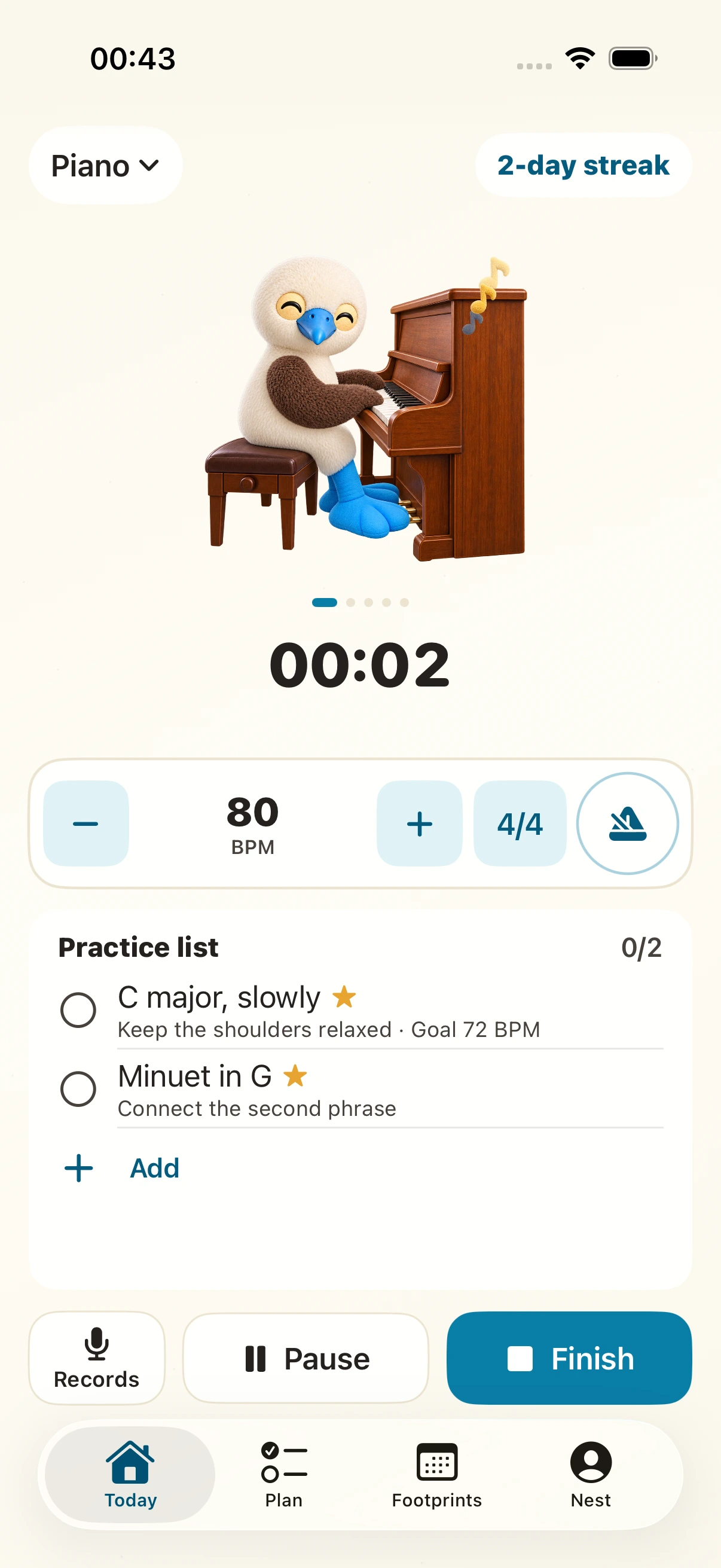
Your timer, metronome, recordings, and notes, all within reach.
Choose a piece.
Give it your attention.
Listen back when you’re done.
Actual app screenshots.
Before you play
Organize pieces, exercises and books, then choose what to practice today. Start a session with a piece; afterwards, revisit your notes and recordings by date.
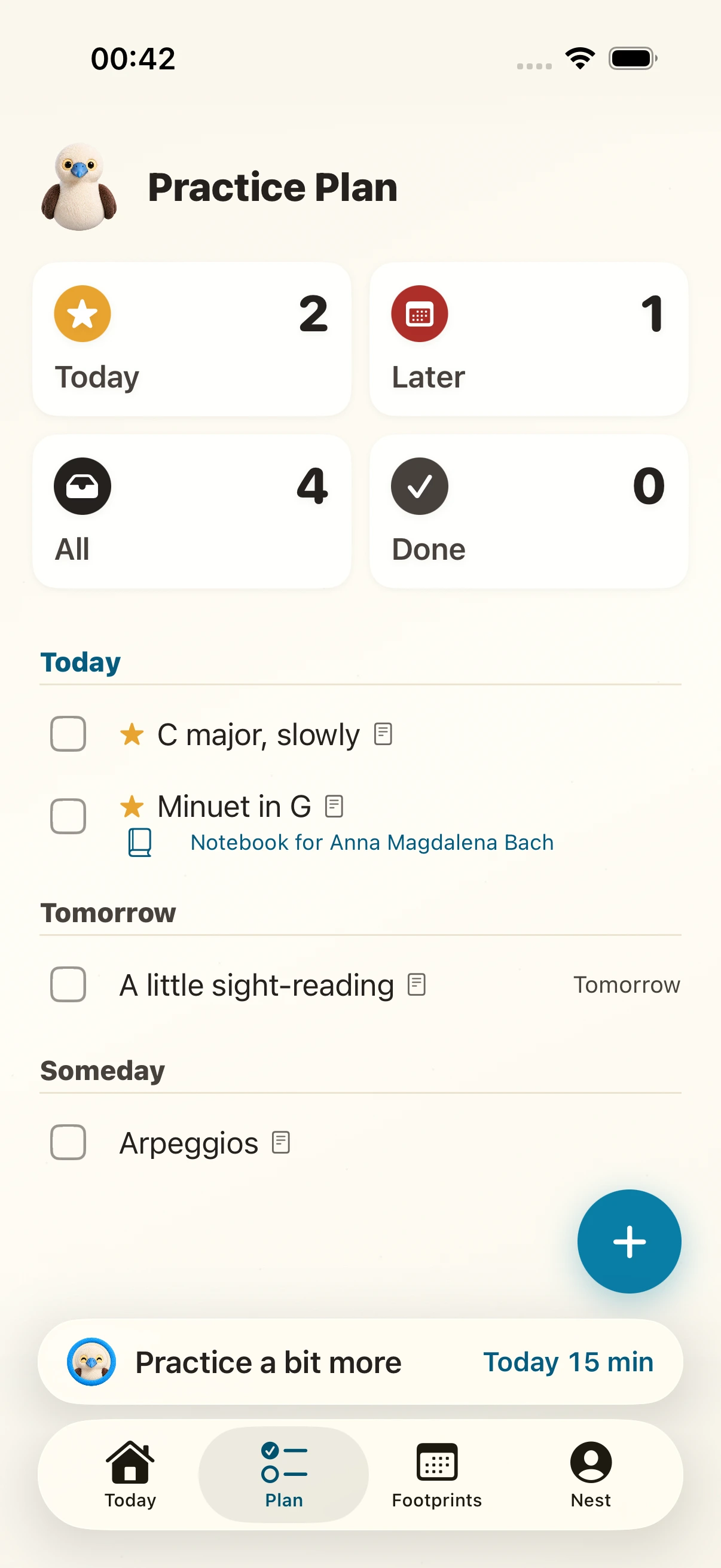
Plan: weekly goals and pieces
While you practice
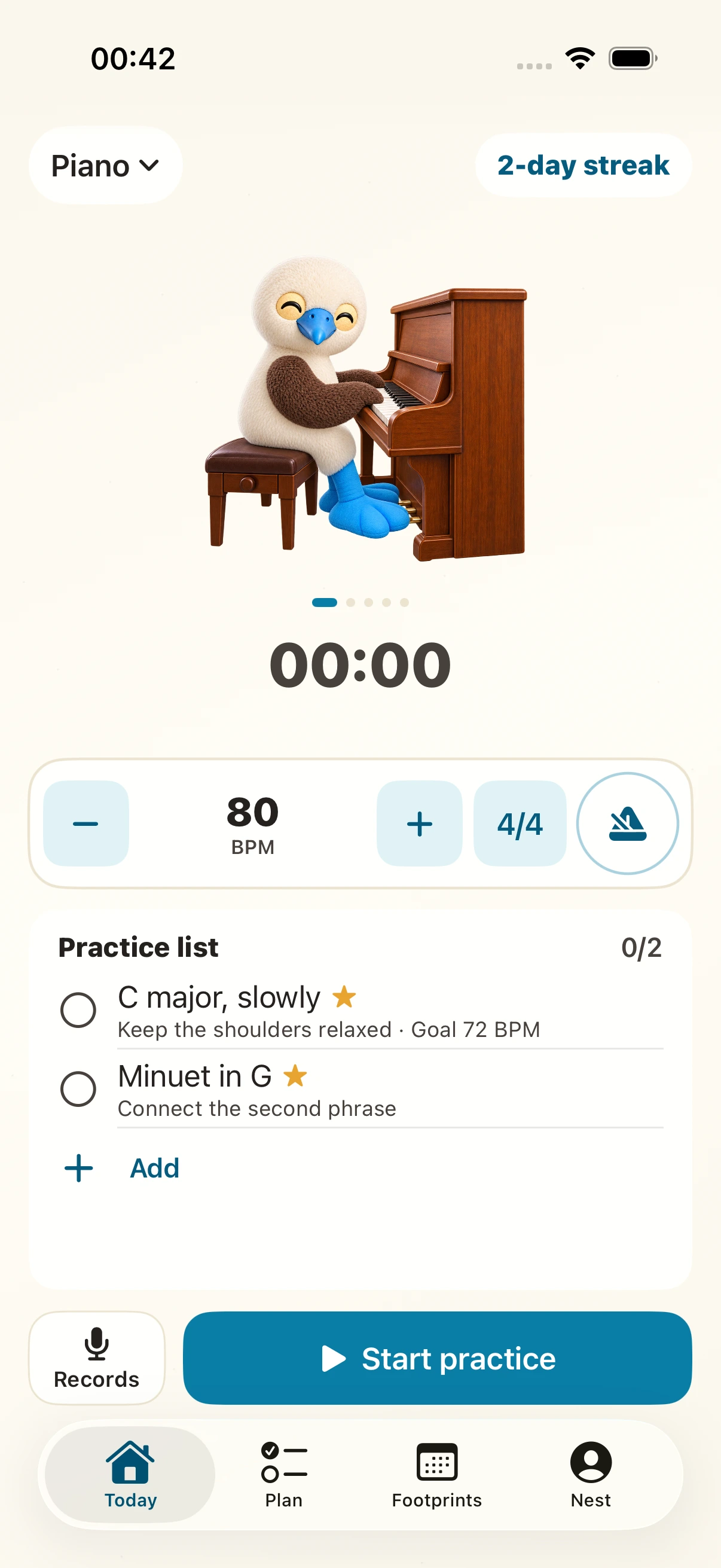
Keep your timer, metronome, audio, video, and notes in one place. Pause your session and the beat pauses too.
Practice session
Playing along


Start the timer and the bluefoot plays beside you on the practice screen.
Use the metronome to keep a steady pulse.
After you play
Find sessions by date and revisit your audio and video. Keep your practice time and recordings together in your journal.
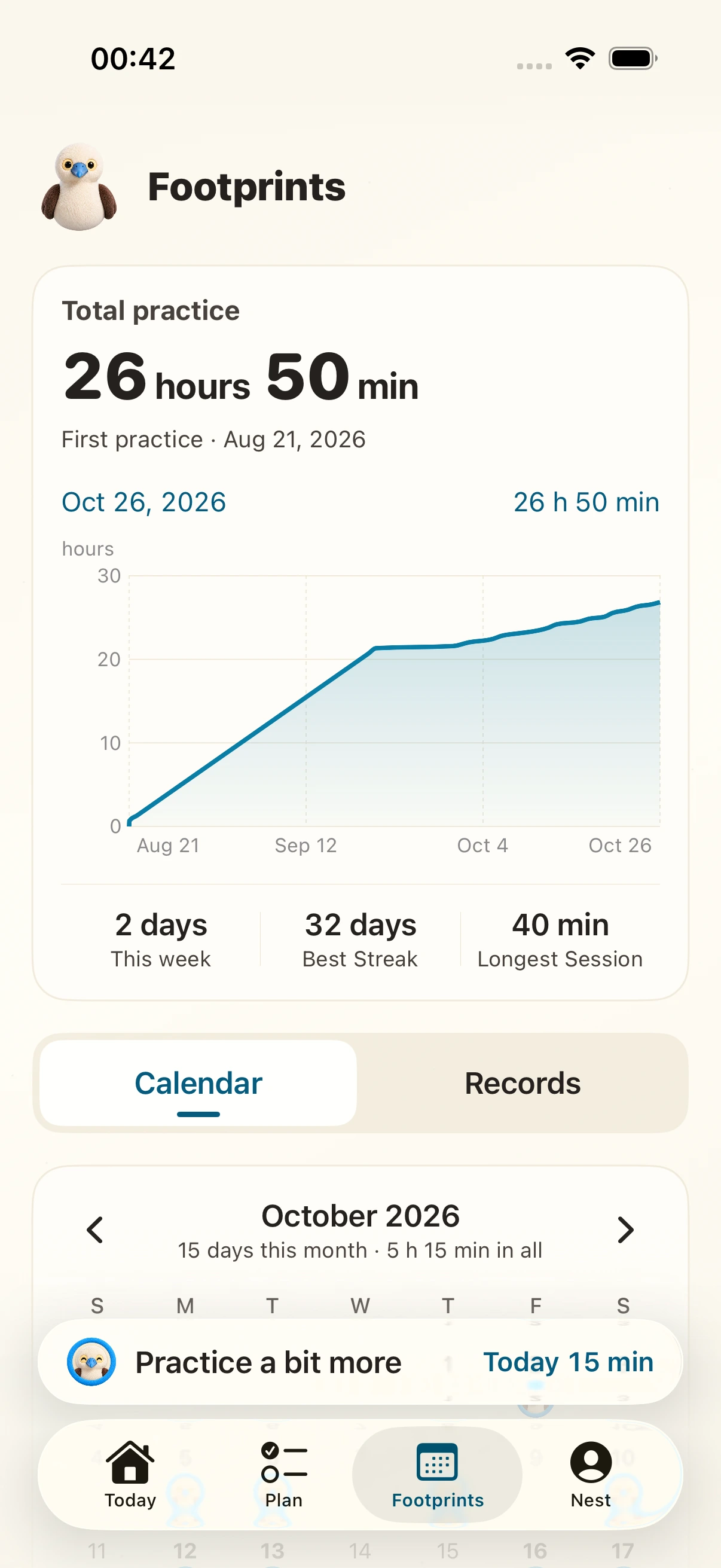
Practice history
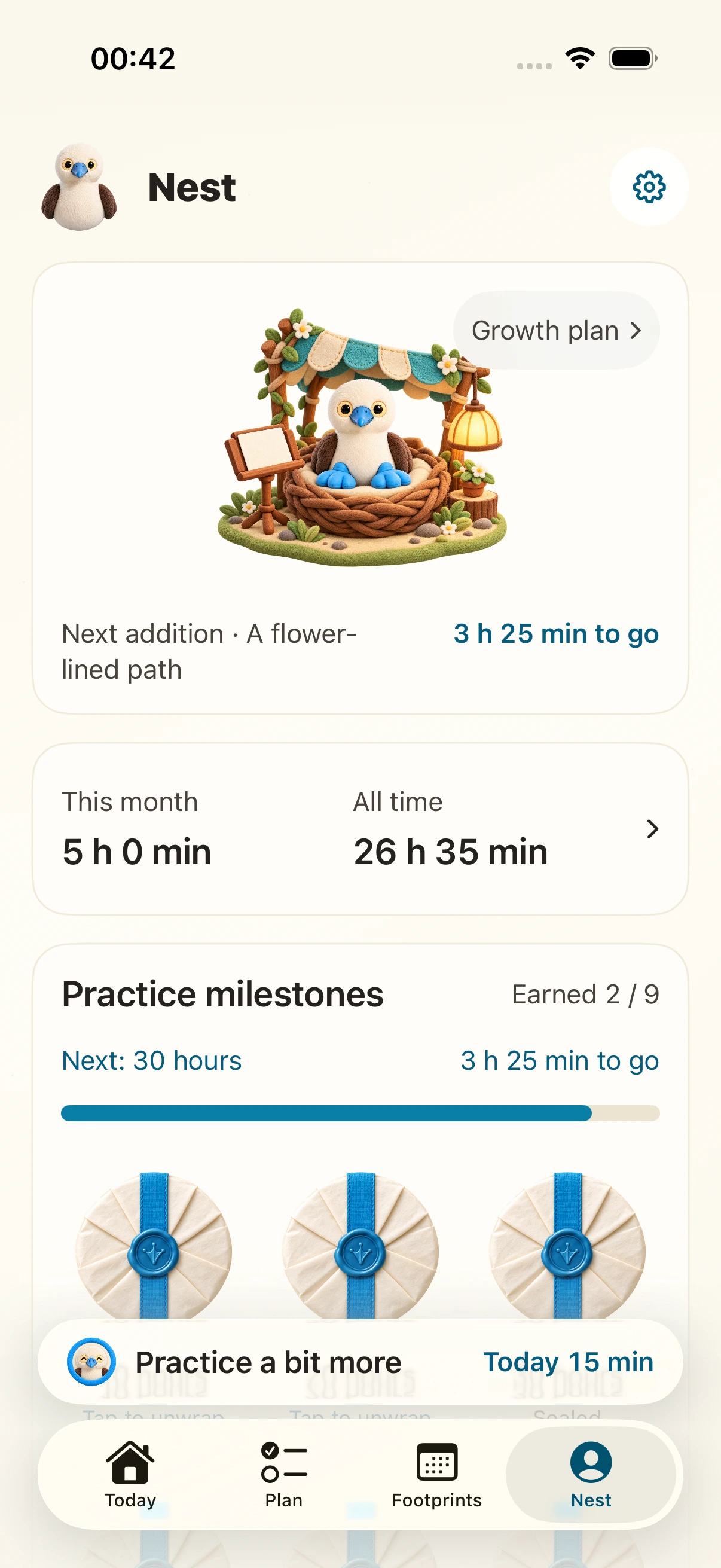
Your practice milestones
Collect milestones as your practice time adds up.
Watch your little nest grow along the way.
Cumulative practice time

Cumulative practice time

Cumulative practice time

Cumulative practice time

Cumulative practice time
Practice records are stored locally, and core practice tools work offline.
Online music search and optional iCloud backup and restore need a connection.
FREE TOOLS · IN YOUR BROWSER
Find a tempo, keep a steady pulse, or explore piano chords. Use the free browser tools before you try the iPhone app.
Tap along to a song, estimate its BPM, then take the tempo into your practice.
Open toolSet a steady beat with accents and subdivisions, or build speed gradually.
Open toolFind chord notes, explore inversions, or identify a chord from the keys you select.
Open toolYOUR NEXT SESSION
Choose a few bars, work on the transition, then leave a note for tomorrow. Start with our 30-minute piano practice plan, or use its 10-minute version on a busy day.
Good to know
Yes. Bluefoot Diary is free to download and use. The music tools on this website are also free and work in your browser.
Yes. Core practice features work offline. Online music search and optional iCloud backup and restore need a connection.
Browse sessions by date, replay saved audio and video, and read your practice notes.
Yes. Bluefoot Diary is now available on the App Store for iPhone. Use the download button on this page to view the listing.
Choose piano, violin, cello, flute, or another instrument to track pieces, practice time, notes, and saved performances.
Optional iCloud automatic backup is off by default. Backups include sessions, plans, notes, audio, and video. Restore retrieves cloud records while retaining existing local content. This is not real-time multi-device sync.
Bluefoot Diary · iPhone
Choose what to practice, save a session, and listen back to your recordings.
Download free on the App Store