 Bluefoot Diary中文
How to Find a Song’s BPM by Tapping
To estimate a song’s tempo, listen for a steady beat and tap along with it. A tap tempo tool measures the intervals between your taps and expresses the result as beats per minute, or BPM. The result depends on both your timing and the beat level you choose.
Try it: Open the free Tap Tempo counter and tap along to a steady section of the music.
1. Find the pulse before you tap
Listen for a few moments before starting. Try counting a steady “one, two, three, four,” or tapping your foot. Follow that pulse rather than every sound in the melody: several notes can fit inside one beat, and some beats may have no new note at all.
If you lose the pulse, pause and listen again. A clear, steady passage is easier to measure than an introduction with pauses or a section that changes speed.
2. Tap with the beat
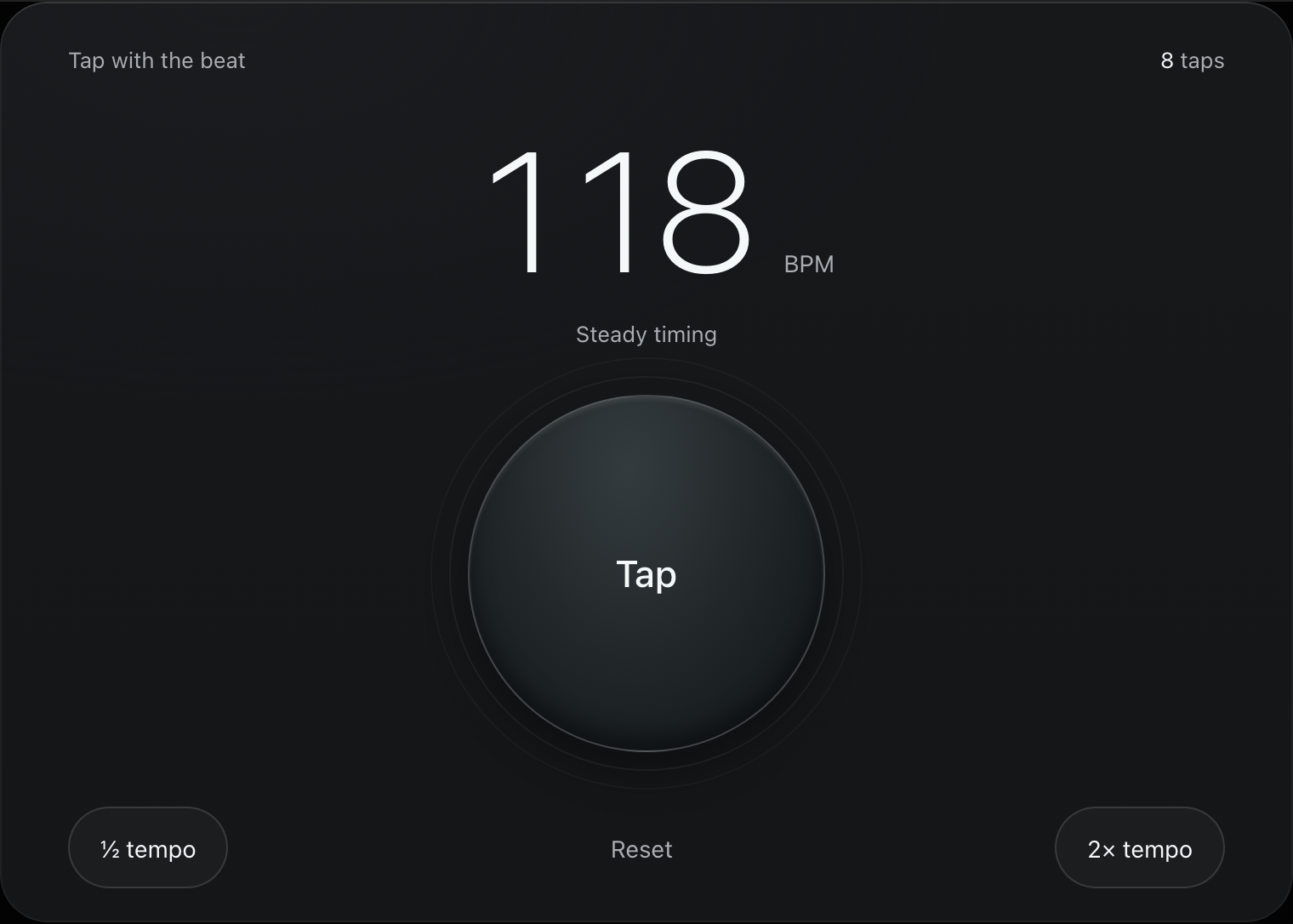
Open the counter, then tap the pad or press Space on each beat. Continue for several beats and watch whether the estimate settles. If you make a mistake, reset and try the same passage again.
The tool does not analyze the song itself. It measures your taps, so uneven tapping can produce a changing result even when the recording is steady.
3. Check half-time and double-time results
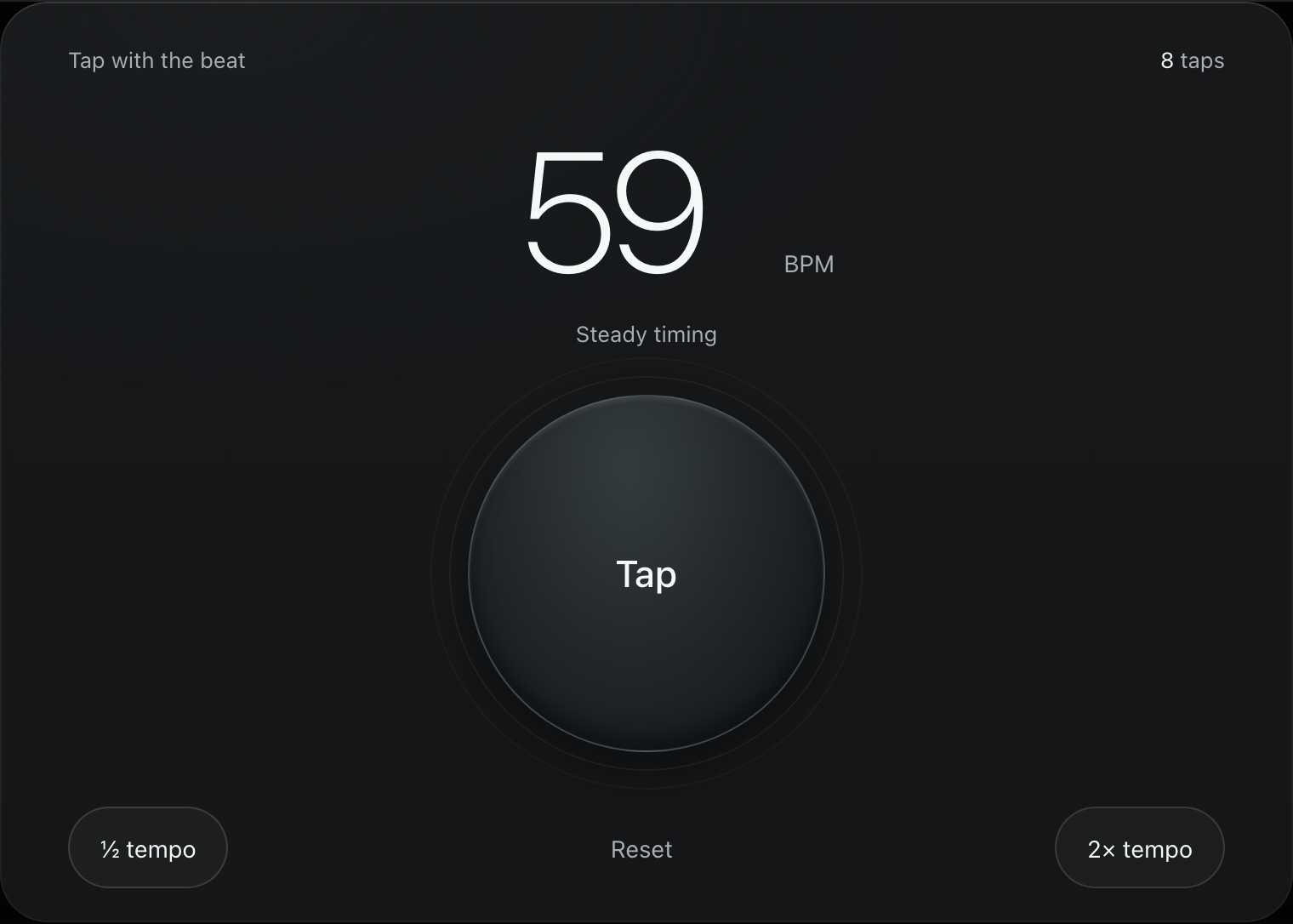
Two people can tap along to the same music and get different but related numbers. One may follow a slower pulse while the other follows a faster subdivision.
| Your tap interval | Tap rate |
|---|---|
| One tap every second | 60 BPM |
| One tap every half second | 120 BPM |
If your result seems half or twice what you expected, try the half-tempo or double-tempo control. Check the score’s tempo marking and beat unit when available; the number alone does not tell you the time signature or the intended beat unit.
For example, in compound metre such as 6/8, counting individual eighth notes and counting dotted-quarter pulses produces different numbers. Follow the beat unit used by your score; see the metronome’s 6/8 setup example.
4. Check the result with a metronome
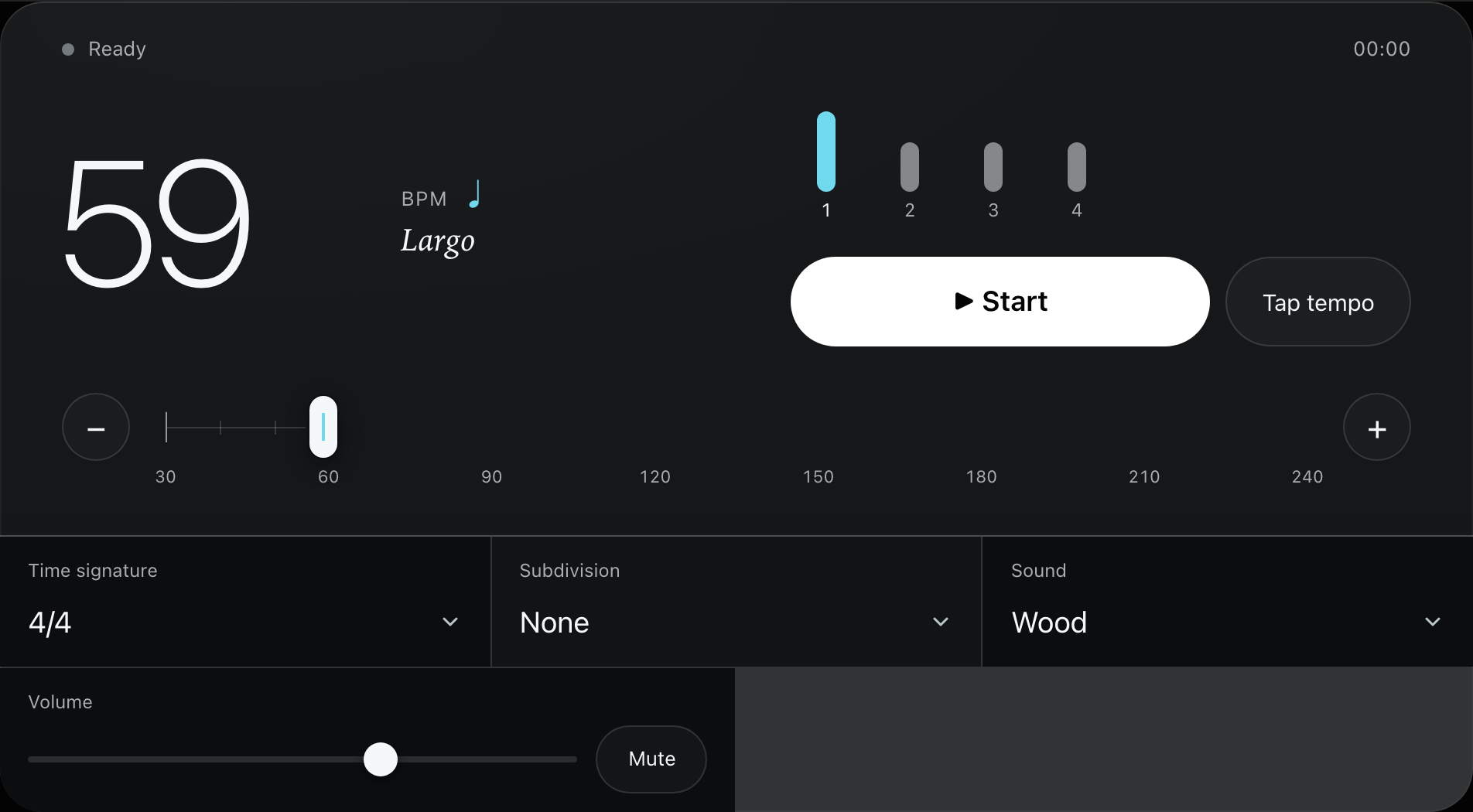
Use Open metronome to carry the measured tempo into the online metronome. Listen alongside a steady passage and check whether the pulse fits.
If it drifts, tap again or adjust the tempo. The cause may be an uneven estimate, a different beat level, or a recording that changes speed. Do not treat a short match as proof that one BPM value fits the entire song.
5. Choose a tempo for your own practice
The recording’s tempo can be a reference; it does not have to be your starting tempo. Choose a speed at which you can play the passage with control, then use the metronome to keep a steady pulse.
If you use the metronome’s speed trainer, begin with settings that suit the passage and reduce the tempo when accuracy breaks down. There is no single BPM increase that works for every player or piece.
A simple example to try
A steady click every 0.5 seconds corresponds to 120 BPM, because 60 ÷ 0.5 = 120. Use the 120 BPM example on the Tap Tempo page to practise finding a pulse.
Tap with each click, then try tapping every other click. The second attempt should move toward 60 BPM. This demonstrates how choosing a different beat level changes the result; it does not measure your musical ability.
Common questions
Can I find BPM without uploading a song?
Yes. You can listen to the music and tap along. Bluefoot Diary’s Tap Tempo counter measures your taps without an audio upload or microphone input.
Why does the BPM change while I tap?
Your tap intervals may vary, you may have changed beat level, or the performance may be changing tempo. Reset, find a steady passage and try again.
Does BPM tell me the time signature?
No. BPM describes a pulse rate. Time signature describes how beats are grouped and notated. You need additional musical context to identify the metre and beat unit.
Can I use the result to set delay times?
Yes, when the BPM value and beat unit match your intended setting. The delay and reverb calculation guide uses quarter-note BPM to calculate note durations in milliseconds. If you measured another beat unit, convert it before entering the value.
Keep your practice together
Bluefoot Diary is a music practice journal for iPhone. You can explore the app to see how it brings practice planning, recordings and notes together.